Turn any TV into a live notice board.
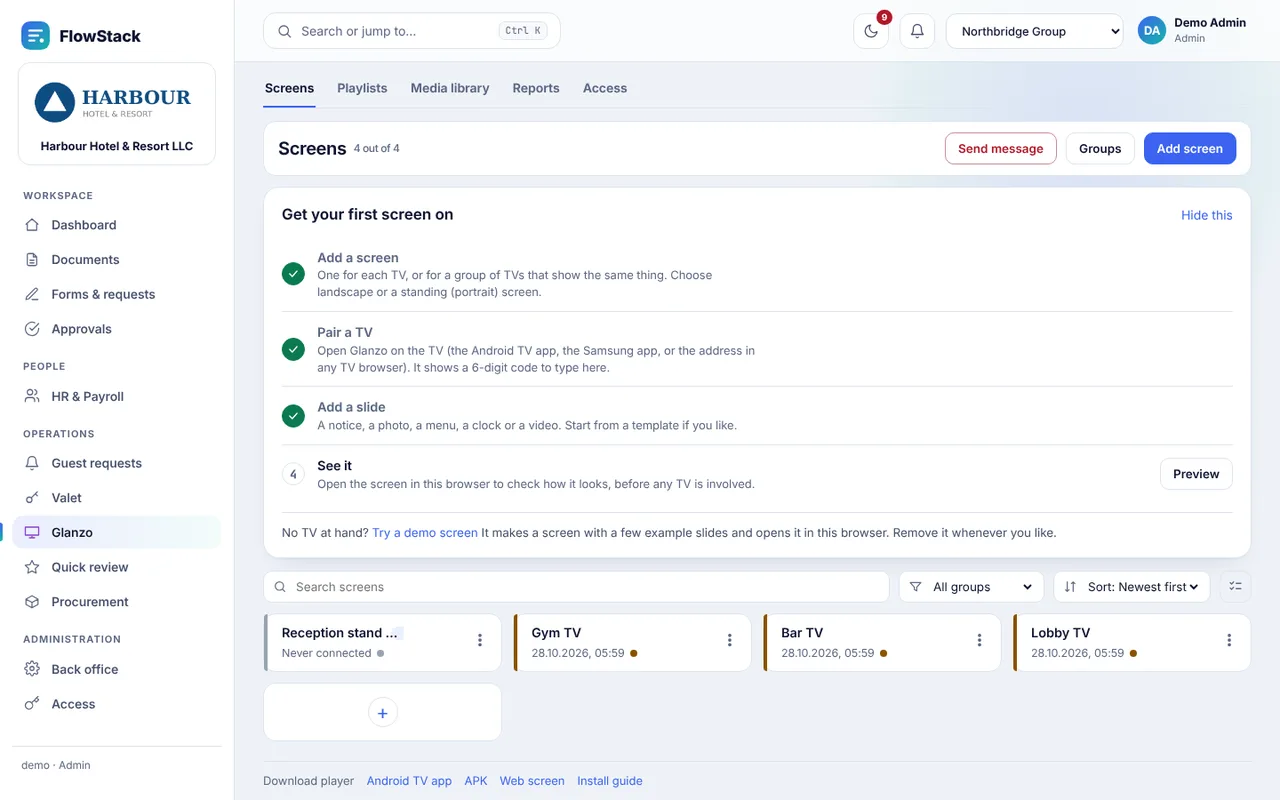
Show notices, menus, photos and live boards on every screen in the building, and manage them all from one place with a playlist and schedule per screen.
Glanzo digital signage in use
Glanzo digital signage with FlowStack
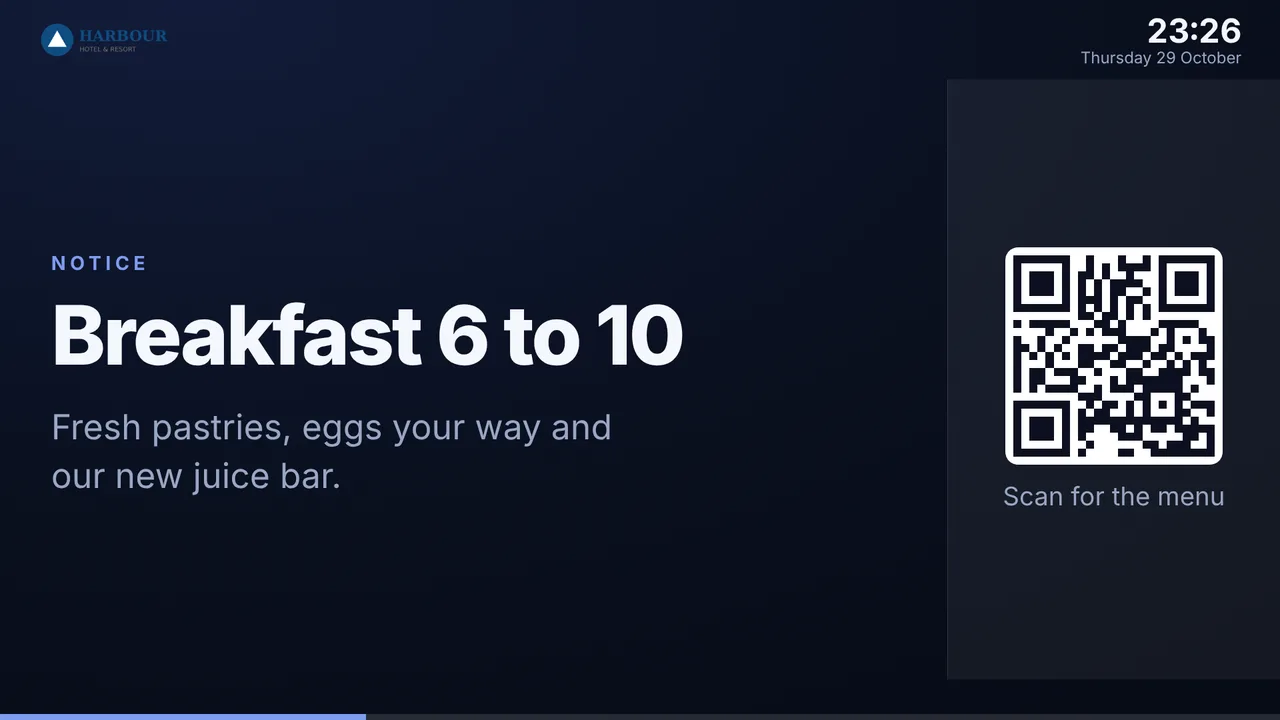
Notices, menus and media
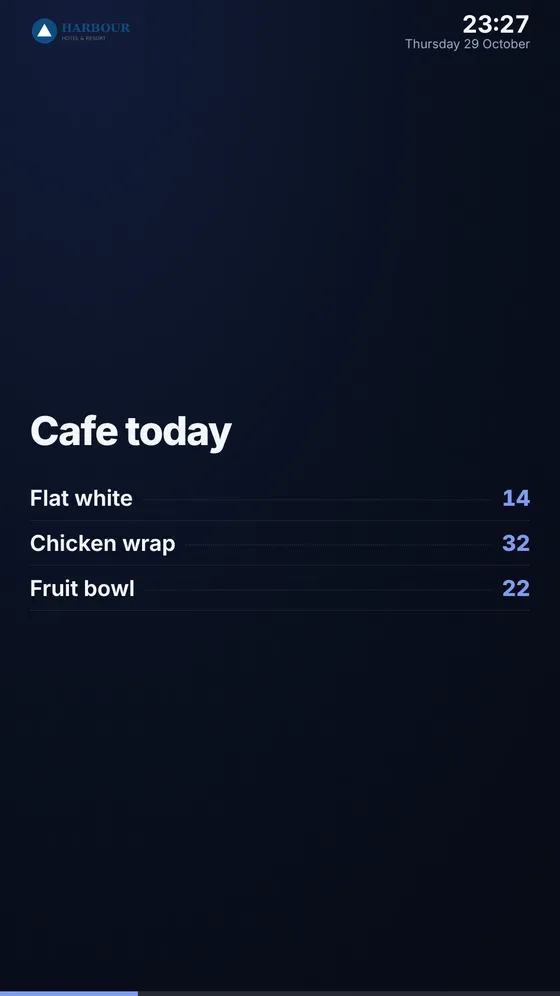
Photos, videos, menus, clocks, countdowns, weather, news feeds and web pages, from a media library.
Playlists and schedules
Build playlists, group screens and schedule what plays by day and time.
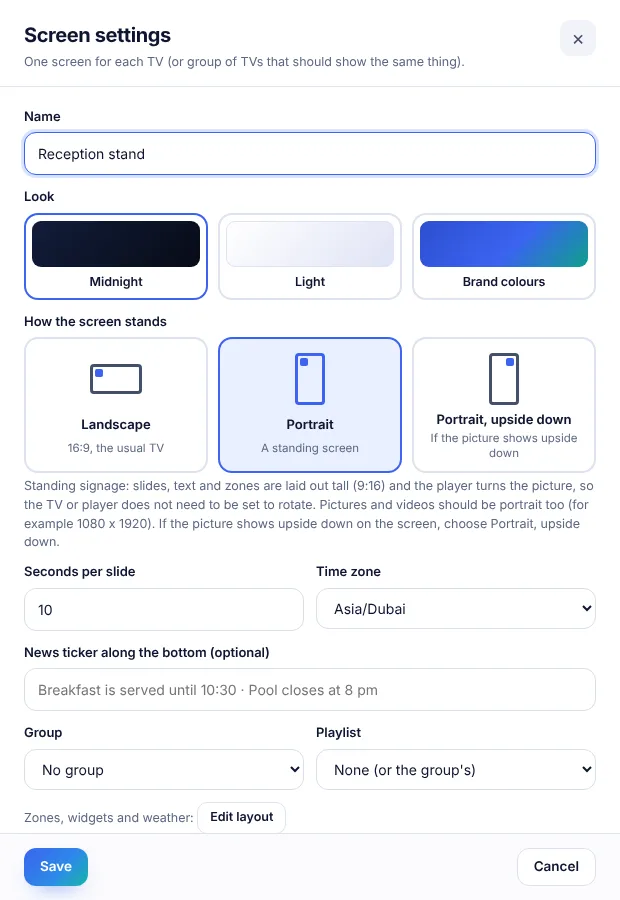
Landscape and standing screens
Set each screen to landscape (16:9) or portrait for a standing display, with an upside-down option for a screen turned the other way. Drag zones onto the screen to show a video, a notice and a ticker together.
Live boards
Show guest-request and valet boards, birthdays and anniversaries from FlowStack on the wall.
Emergency broadcast
Take over every screen with one message, then return to the normal playlist.
Proof of play and uptime
See what played, when, and which screens are offline.
Glanzo is priced per screen per year and billed yearly. It is an add-on, priced separately from the monthly modules.
Up and running in three steps
Pair a screen
Open the Glanzo app or web screen on the TV and enter the pairing code.
Build a playlist
Add slides from templates or your own media and set a schedule.
Watch it from one place
Check which screens are online and what each is showing.
Frequently asked questions
How is Glanzo priced?
AED 299 per screen per year, billed yearly, with no set-up fee. The 14-day free trial includes up to two screens, with every feature.
Which TVs work?
Android TV through the Glanzo app, Samsung Tizen TVs through the Tizen app, and any TV or computer with a web browser.
Can I stop everything with one message?
Yes. An emergency broadcast takes over every screen until you end it.
Do I need FlowStack modules to use it?
No. Glanzo can be bought on its own.
Try it free for 14 days
Pick the modules you need, invite your team, and see it working before you pay.